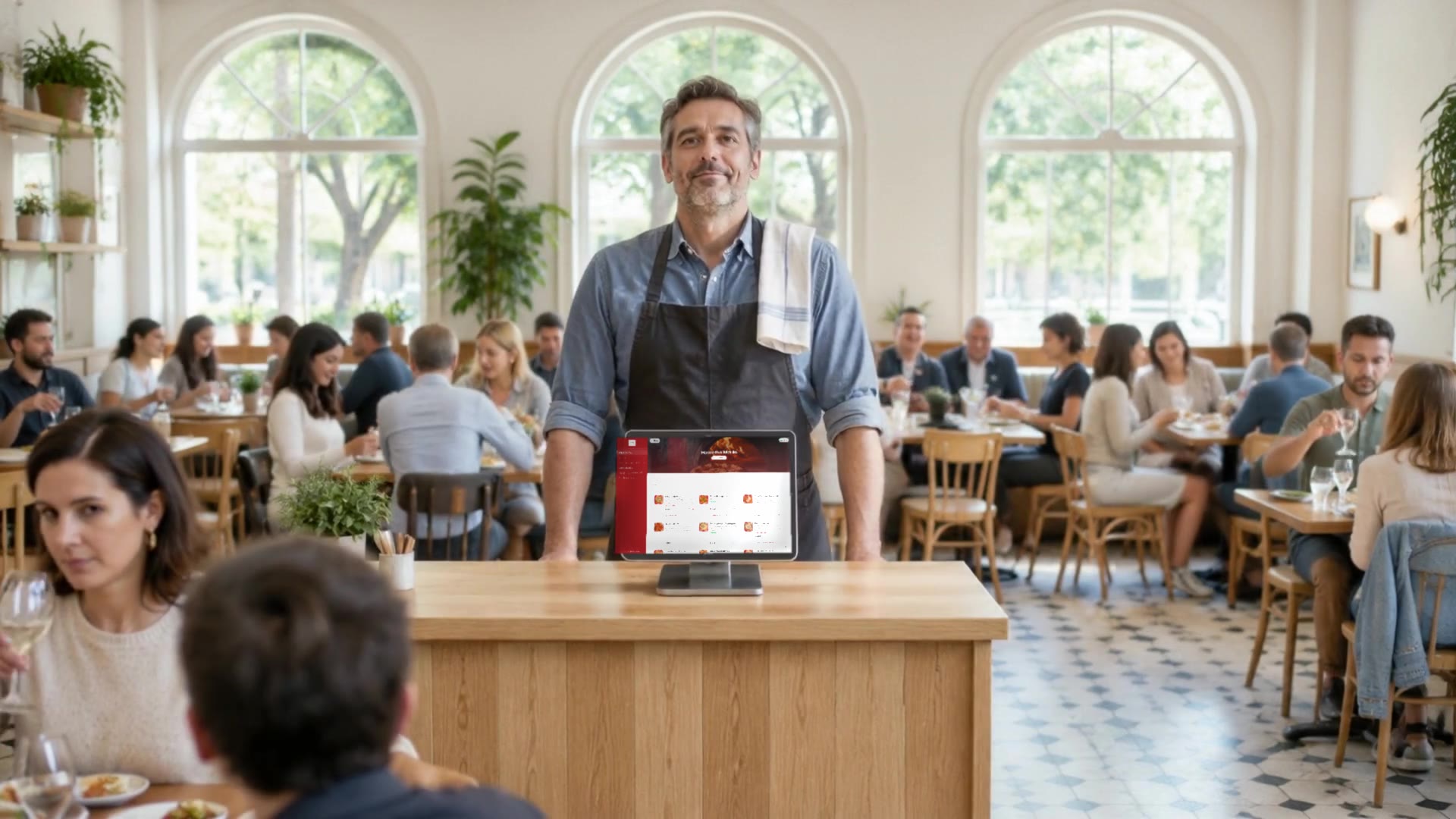
A guest sits down, scans the code on the table and, within three seconds, decides whether to order one more thing. Those three seconds have nothing to do with the code. They depend on what is behind it.
Most QR menus lead to a photo or a PDF — the same paper menu, only harder to read on a phone. That works until you change a price, run out of the fish, or a tourist walks in who cannot read Cyrillic.
What a digital menu is
A digital menu is a restaurant's menu as a web page that guests open on their own phone — usually by scanning a QR code on the table. No app, no sign-up, no waiting.
A well-made digital menu is not a copy of the paper one. It is live: the price you change in the admin is the price the guest sees the next second.
A real Menugram menu on a phone: sections, photos, prices and a dish's description.
QR to a PDF, or a live menu
On the table the two look identical — a little square of code. The difference shows the moment a guest opens it.
| QR code to a PDF | Live digital menu | |
|---|---|---|
| Changing a price | a new file and a new layout | one line, instantly |
| A sold-out dish | the guest orders, the waiter comes back | shown as sold out |
| A second language | a second file, if there is one | a switch at the top of the menu |
| Google and AI assistants | barely read a PDF | read dishes, prices and descriptions |
| Ordering and payment | no | from the table, if you switch them on |
How much a menu weighs on a phone
The guest is on mobile data, in a room with thick walls. Every megabyte is a second of white screen. We measured one real live menu — 123 dish photos — before and after the photos were sized for the phone opening them.
That is 89% less for the same menu and the same photos. The single largest photo went from 698 KB to 35 KB. That is why every photo on Menugram is uploaded as WebP and resized automatically — the owner never needs to know what WebP is.
7 things a digital menu has to do in 2026
- Change in seconds. A price, a dish, a description — from a phone, without a designer.
- Show what is sold out. The guest doesn't order something you don't have, and the waiter doesn't come back with bad news.
- Speak two languages. Bulgarian and English, with a switch, not a second PDF.
- Open fast. Sized photos, no app, no sign-up.
- Be readable by Google and AI assistants. Text, not a picture — more in why Google can't read your PDF menu.
- Suggest when the waiter forgets. An add-on to the dish, a drink with the main.
- Take the order and the payment from the table. The order goes to the kitchen; the bill is paid from the phone.
How to make a QR menu for your restaurant
- Gather the menu. Dishes, prices, portion sizes, allergens — in Bulgarian and English.
- Photograph the dishes. Daylight, one angle for all of them. One good photo sells more than three sentences of description.
- Enter them in a system with a live menu, not a PDF. Order the sections the way a guest thinks: starters, mains, desserts, drinks.
- Print a QR code for every table. If the code carries the table number, the order knows where to go.
- Try it from your own phone, on mobile data, before the first guest does.
At Menugram we don't send you instructions for these five steps — we build the menu for you: we enter the dishes in both languages, upload the photos and prepare the codes for your tables.
Why the menu is only the start
A QR code answers "what is there to eat". A venue lives on questions the menu doesn't answer: who booked for Friday, who came in for the third time this month, who will celebrate a birthday here next year.
That is why on Menugram the menu is one part, not the whole product. The guest who ordered from the table is the guest who will book, get an invitation to an event and come back. See the whole of it in the product, or start with the digital menu.
See Menugram's digital menu